
KIPTV for Fire TV
The IPTV player for Fire TV Stick.
Add the playlist from your IPTV service and watch live TV, movies and series on your Fire TV with a real guide, posters and plots. Made for the remote, light enough for a Stick.
KIPTV isn't on the Amazon Appstore: you install it in two minutes with the free Downloader app, and from then on it updates itself.
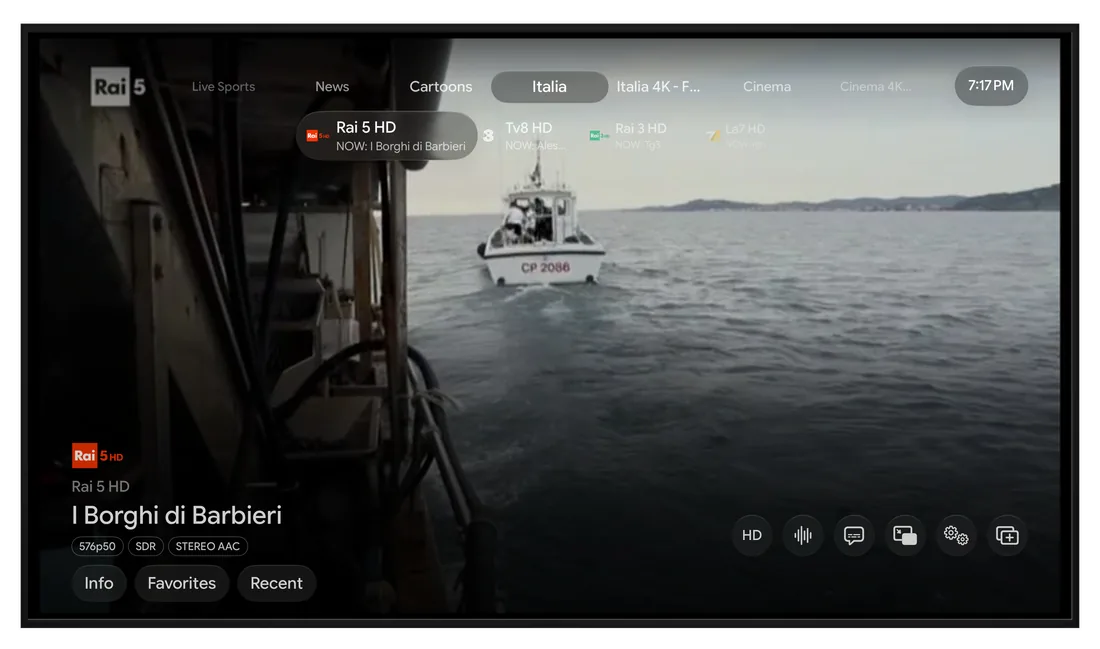
What you get on Fire TV
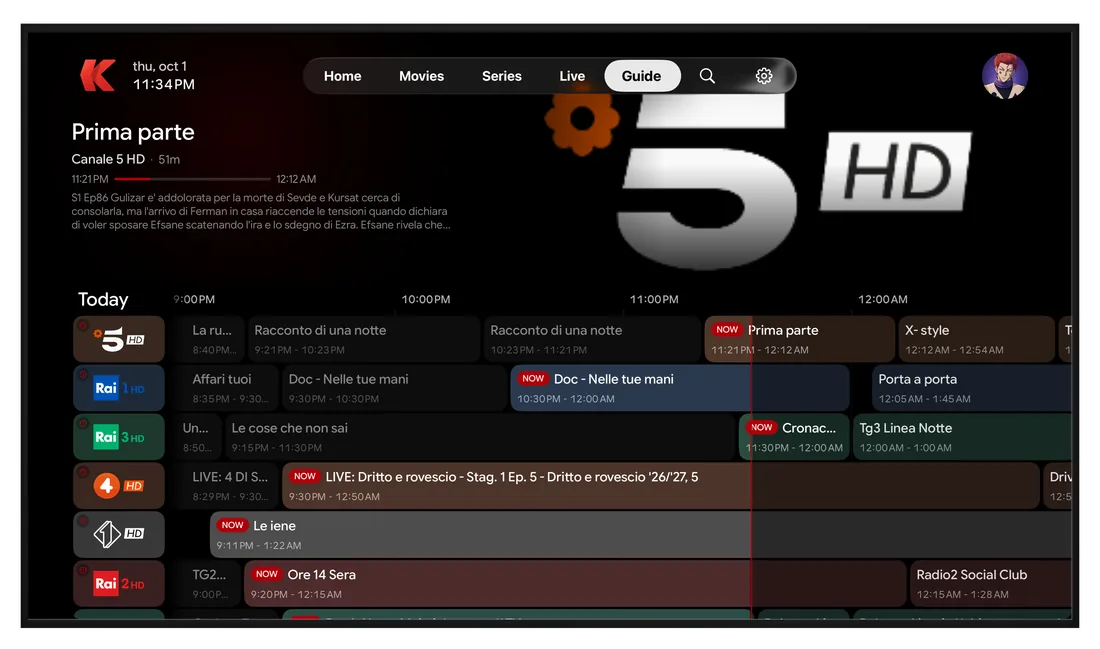
A TV guide that looks like one
What's on now and next on every channel, with logos and times. Press once and you're watching.
Replay
Missed a show? If your provider offers replay, start it again from the guide or straight from the player.
Recordings, even in standby
Press Record on a program in the guide. The Fire TV records it on its own, scheduled ones too, even while it's in standby. Part of Premium.
Multiview
Up to four live channels on one screen, if your provider allows several connections.
Movies and series, like a streaming service
Posters, plots, ratings, trailers and cast fill in by themselves. Pick up where you left off, on any device.
It updates itself
When a new version is out, KIPTV tells you and installs it: no need to go back to Downloader.
KIPTV is only a player: it doesn't include channels, movies or series. You bring the playlist from your own IPTV service.
Set up in a minute
Install it with Downloader
Get the free Downloader app from the Amazon Appstore, type the code 6562468 and install KIPTV. The step-by-step guide is at kiptv.app/firetv.
Sign in with your phone
The TV shows a QR code: scan it with your phone and you're in, without typing passwords with the remote.
Add your playlist
Enter the M3U link or the Xtream Codes login from your IPTV service. Already added it on another device? It's there already.
Questions about KIPTV on Fire TV
How do I install KIPTV on a Fire TV Stick?
Install the free Downloader app from the Amazon Appstore, open it and type the code 6562468. Downloader fetches the official KIPTV app from kiptv.app and installs it. The full guide with pictures is at kiptv.app/firetv.
Why isn't KIPTV on the Amazon Appstore?
KIPTV is distributed directly from kiptv.app for Fire TV. The file is the official one, signed by us, and it keeps itself up to date after the first install.
Which Fire TV devices work?
Fire TV Stick, Fire TV Stick 4K and 4K Max, Fire TV Cube and TVs with Fire TV built in, as long as they run Fire OS. The newest models that run Vega OS instead can't install apps from outside the Amazon Appstore.
How do I get Premium on Fire TV?
You can't buy a subscription on the Fire TV itself. Get Premium on another device (iPhone, iPad, Apple TV, Android or Windows), then sign in on the Fire TV with the same KIPTV account: Premium follows you on every device.
Does KIPTV for Fire TV include channels?
No. KIPTV is only a player. You add the playlist you get from your own IPTV service, as an M3U link or an Xtream Codes login.
KIPTV on your other screens
One account, everywhere: where you left off, your lists and your settings follow you from one device to the next.