
KIPTV for Windows
The IPTV player for Windows.
Add the playlist from your IPTV service and watch live TV, movies and series on your PC with a real guide, posters and plots. An app from the Microsoft Store, not a web page.

Free on the Microsoft Store, for Windows 10 and Windows 11.
What you get on Windows
A TV guide that looks like one
What's on now and next on every channel, with logos and times. Click once and you're watching.
Replay
Missed a show? If your provider offers replay, start it again from the guide or straight from the player.
Recordings
Press Record on a program in the guide: the PC records it while KIPTV is open, even minimized. Scheduled recordings too. Part of Premium.
Multiview
Up to four live channels in one window, if your provider allows several connections.
Movies and series, like a streaming service
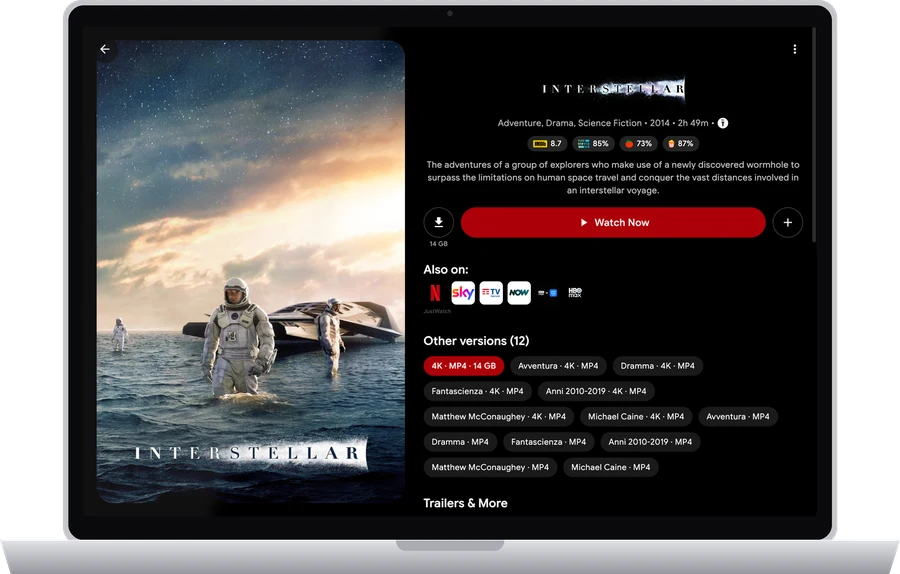
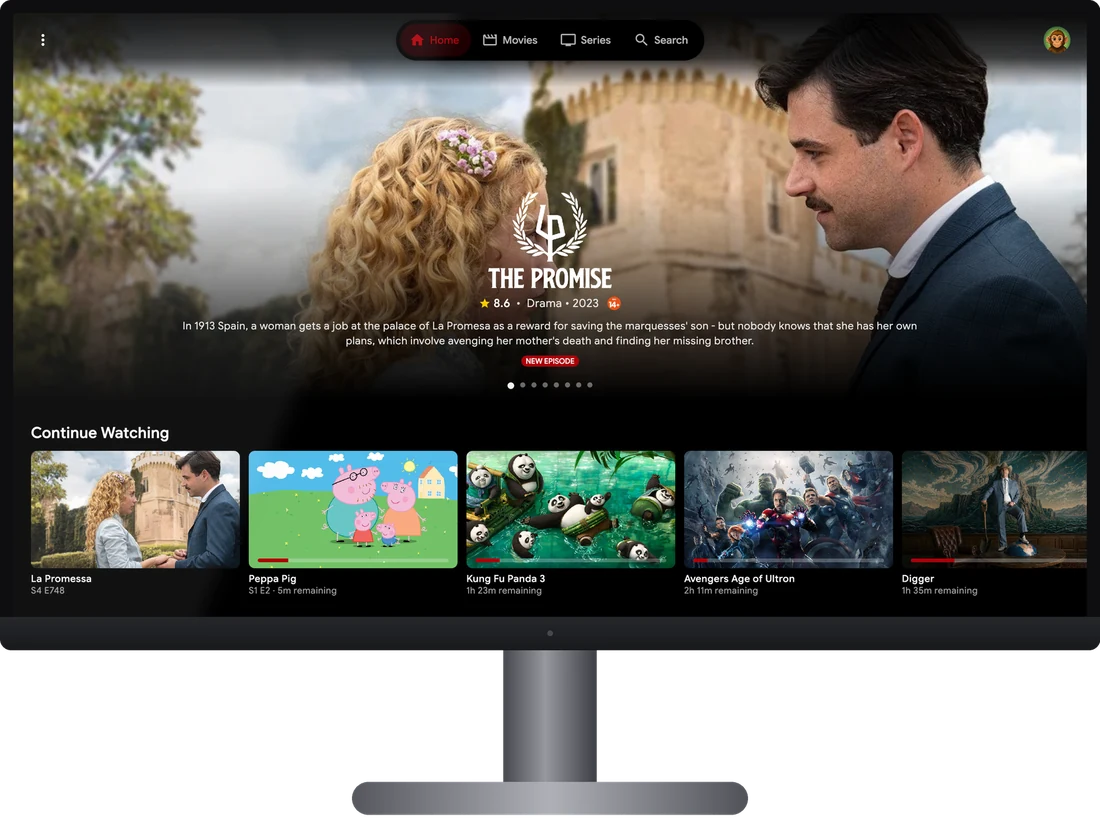
Posters, plots, ratings, trailers and cast fill in by themselves. Pick up where you left off, on any device.
Installed and updated by the Store
One click to install, and Windows keeps it up to date like any other Store app.
KIPTV is only a player: it doesn't include channels, movies or series. You bring the playlist from your own IPTV service.
Set up in a minute
Download KIPTV
Get KIPTV from the Microsoft Store. It's free.
Sign in
Use your KIPTV account, the same one as on your phone or TV, or create one in a few seconds.
Add your playlist
Enter the M3U link or the Xtream Codes login from your IPTV service. Already added it on another device? It's there already.
Questions about KIPTV on Windows
Is there an IPTV player for Windows on the Microsoft Store?
Yes. KIPTV is on the Microsoft Store for Windows 10 and Windows 11, free to download.
Does KIPTV for Windows play M3U and Xtream Codes playlists?
Yes. Add an M3U link or an Xtream Codes login and KIPTV organizes live channels, movies and series with posters, plots and a TV guide.
Can I record live TV on my PC?
Yes, with Premium. Channels with replay are taken from your provider's archive; channels without replay are recorded by the PC while KIPTV is open, even minimized.
Is KIPTV free on Windows?
The download is free and there is a free plan. Premium is an optional subscription that works on every device where you sign in with the same KIPTV account.
Does KIPTV include channels?
No. KIPTV is only a player. You add the playlist you get from your own IPTV service.
KIPTV on your other screens
One account, everywhere: where you left off, your lists and your settings follow you from one device to the next.