
KIPTV for iPhone and iPad
The IPTV player for iPhone and iPad.
Add the playlist from your IPTV service and carry it with you: live TV with a real guide, movies and series with posters and plots, and downloads for when there's no internet.

Free on the App Store. The same download also covers Mac, Apple TV and Apple Vision Pro.
What you get on iPhone and iPad
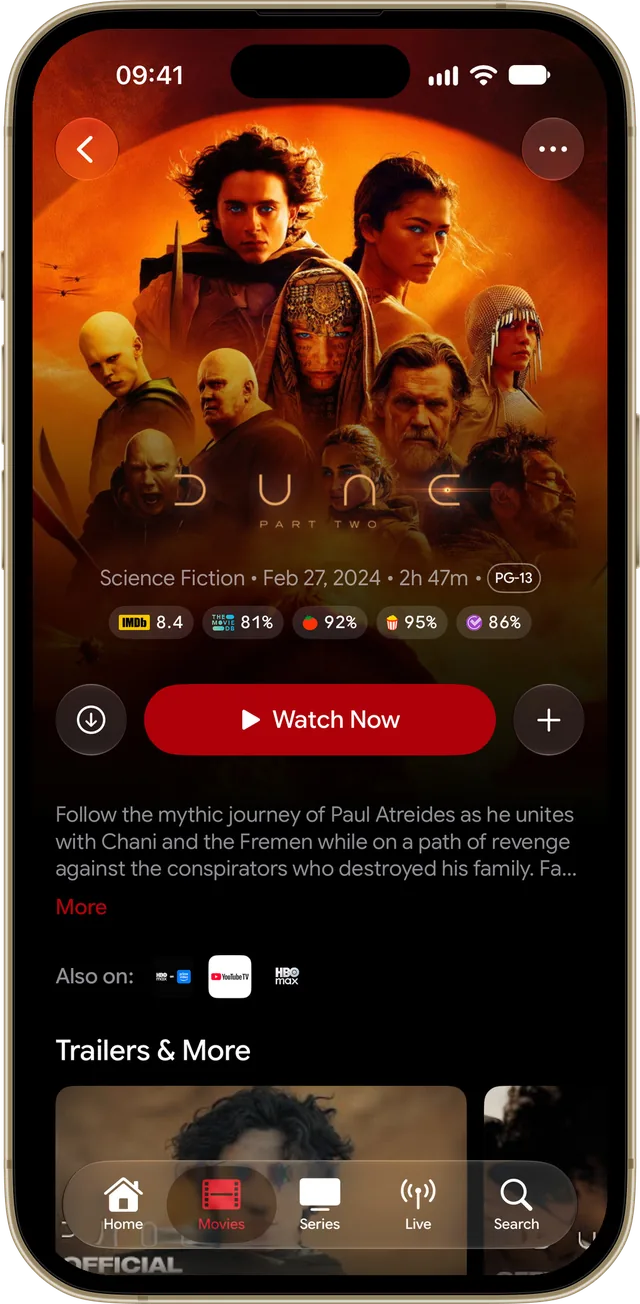
Downloads for offline
Save movies and episodes on your iPhone or iPad and watch them on a plane or on the train, without internet.
Picture in Picture
The match keeps playing in a floating window while you answer a message or check something else.
AirPlay and Chromecast
Send what you're watching to the big screen with a tap, where available.
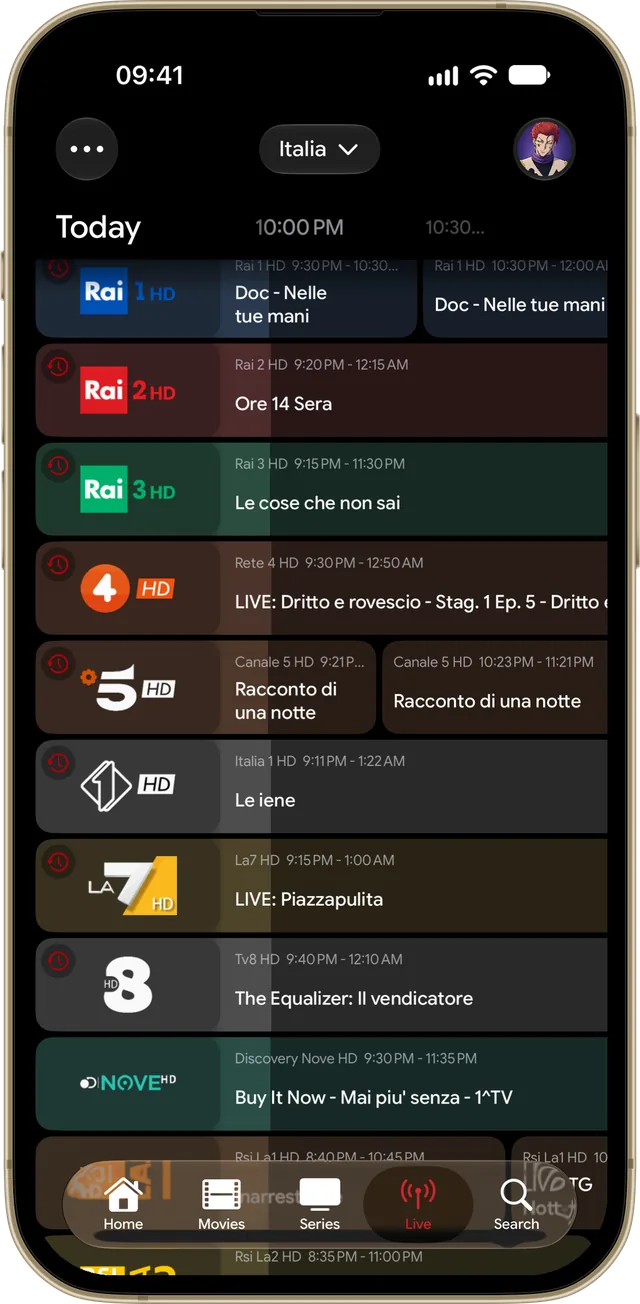
A TV guide in your pocket
What's on now and next on every channel, with replay for the shows that already aired if your provider offers it.
Start here, finish on the TV
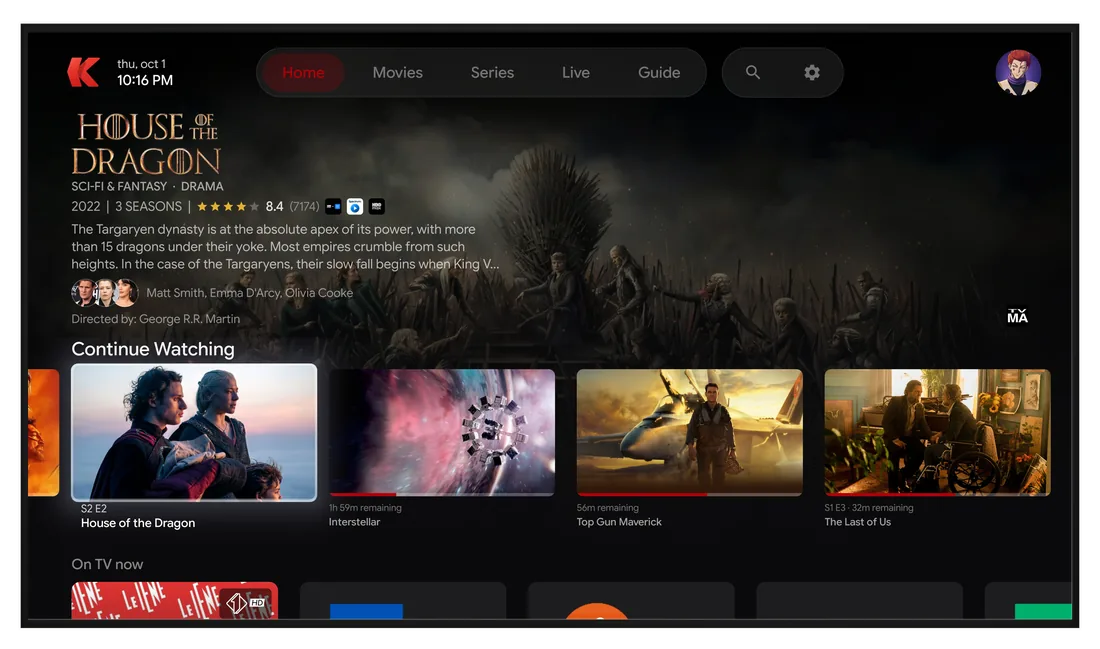
Where you left off, your lists and your settings follow you to Apple TV, Android TV, Fire TV and Windows.
Audio and subtitles your way
Switch audio track, pick subtitles and choose their size, color and background.
KIPTV is only a player: it doesn't include channels, movies or series. You bring the playlist from your own IPTV service.
Set up in a minute
Download KIPTV
Get KIPTV from the App Store. It's free.
Create your account
Sign in with Apple, with Google or with your email. It takes a few seconds and keeps everything in sync between your devices.
Add your playlist
Enter the M3U link or the Xtream Codes login from your IPTV service. KIPTV fills in posters, plots and the TV guide on its own.
Questions about KIPTV on iPhone and iPad
Is there a good IPTV player for iPhone with M3U and Xtream Codes?
KIPTV plays both: you add an M3U link or an Xtream Codes login and it organizes live channels, movies and series with posters, plots and a TV guide. You can keep up to 5 playlists on one account.
Can I watch offline on iPhone?
Yes. Download movies and episodes from your playlist to the device and watch them without a connection.
Does it work on iPad and Mac too?
Yes. The same app runs on iPhone, iPad, Mac, Apple TV and Apple Vision Pro, with one account for all of them.
Is KIPTV free on iPhone?
The download is free and there is a free plan. Premium is an optional subscription that works on every device where you sign in with the same KIPTV account.
Does KIPTV include channels?
No. KIPTV is only a player. You add the playlist you get from your own IPTV service.
KIPTV on your other screens
One account, everywhere: where you left off, your lists and your settings follow you from one device to the next.